ReelBit for Instagram
ReelBit
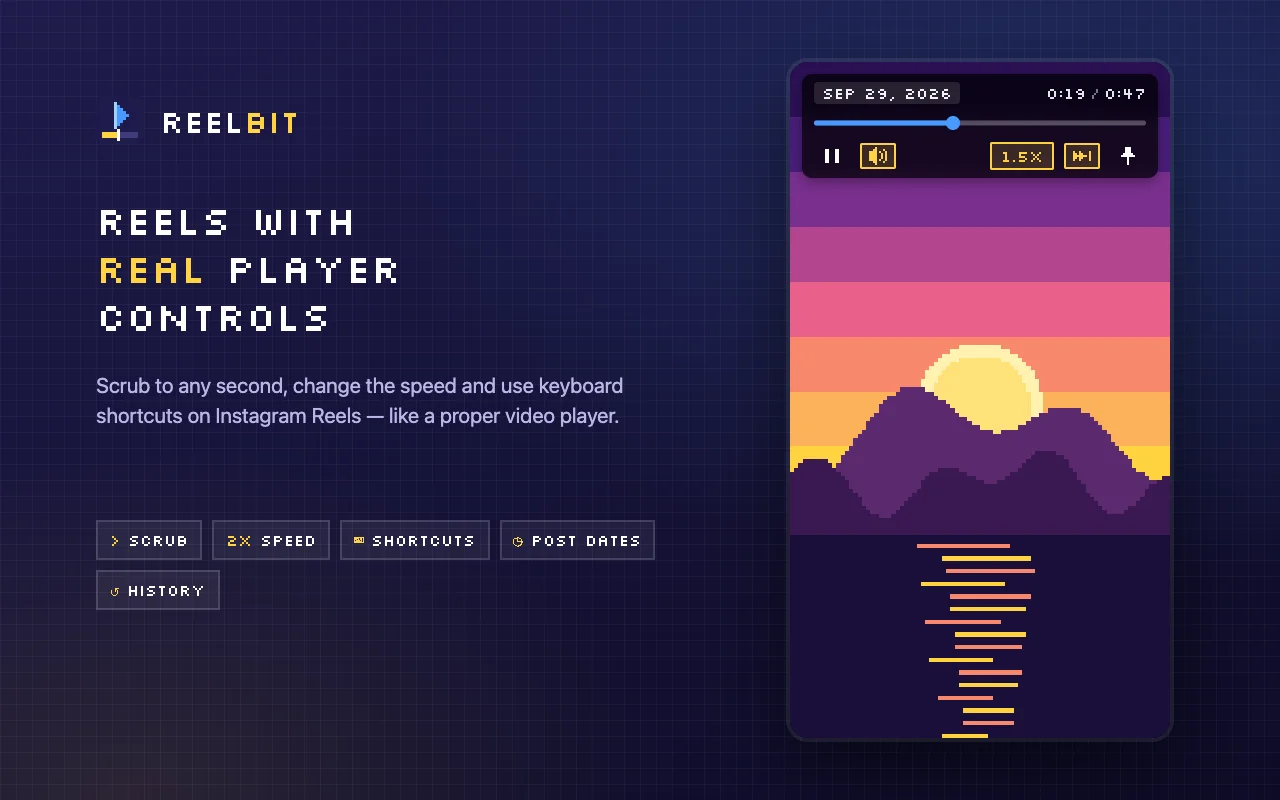
Real player controls for Instagram Reels
Scrub to any second, change the speed and use keyboard shortcuts on Instagram Reels, like in a proper video player.
Not affiliated with Instagram or Meta.

See it in action
Everything a Reel player was missing
Scrub to any second
A real progress bar with time. Click or drag to jump anywhere in the Reel.
Speed from 0.5x to 3x
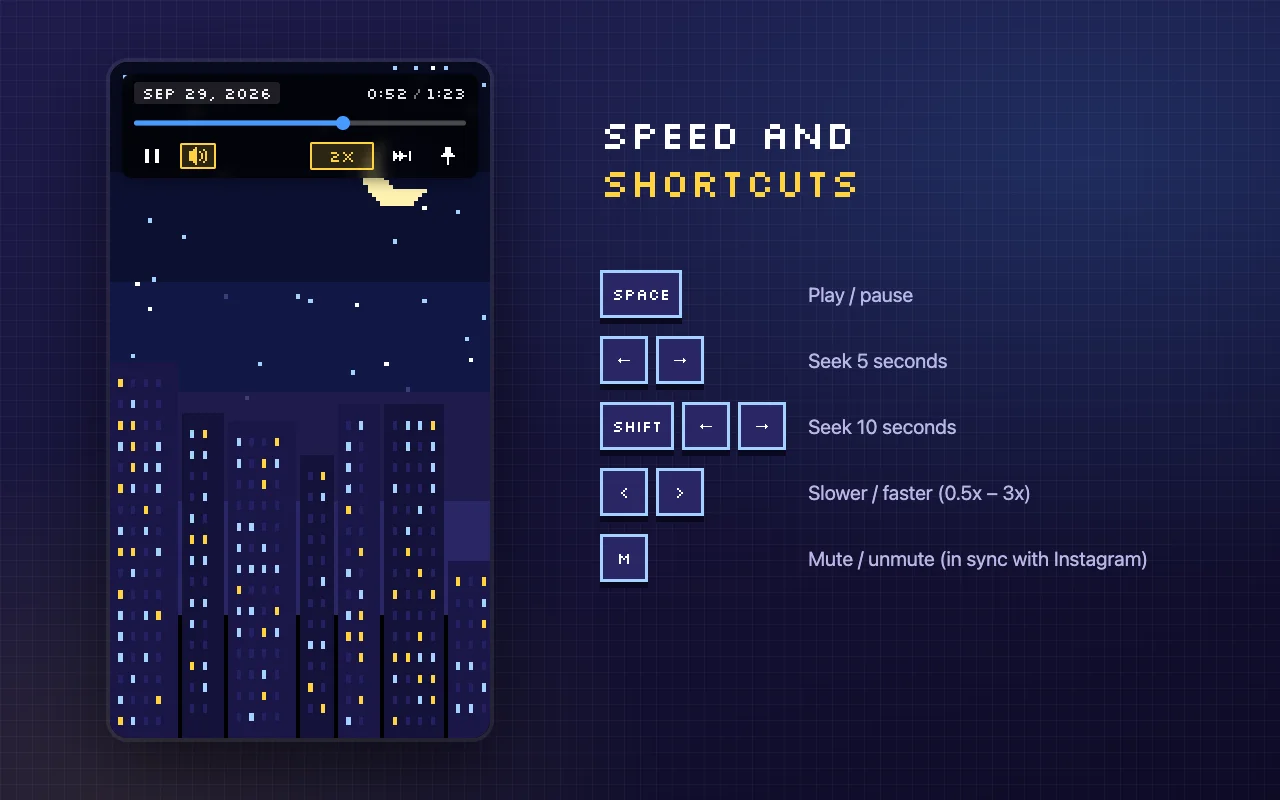
Slow down to catch details or speed up to skim. Pick a default speed and keep it.
Keyboard shortcuts
Control playback without touching the mouse. Mute stays in sync with Instagram's own button.
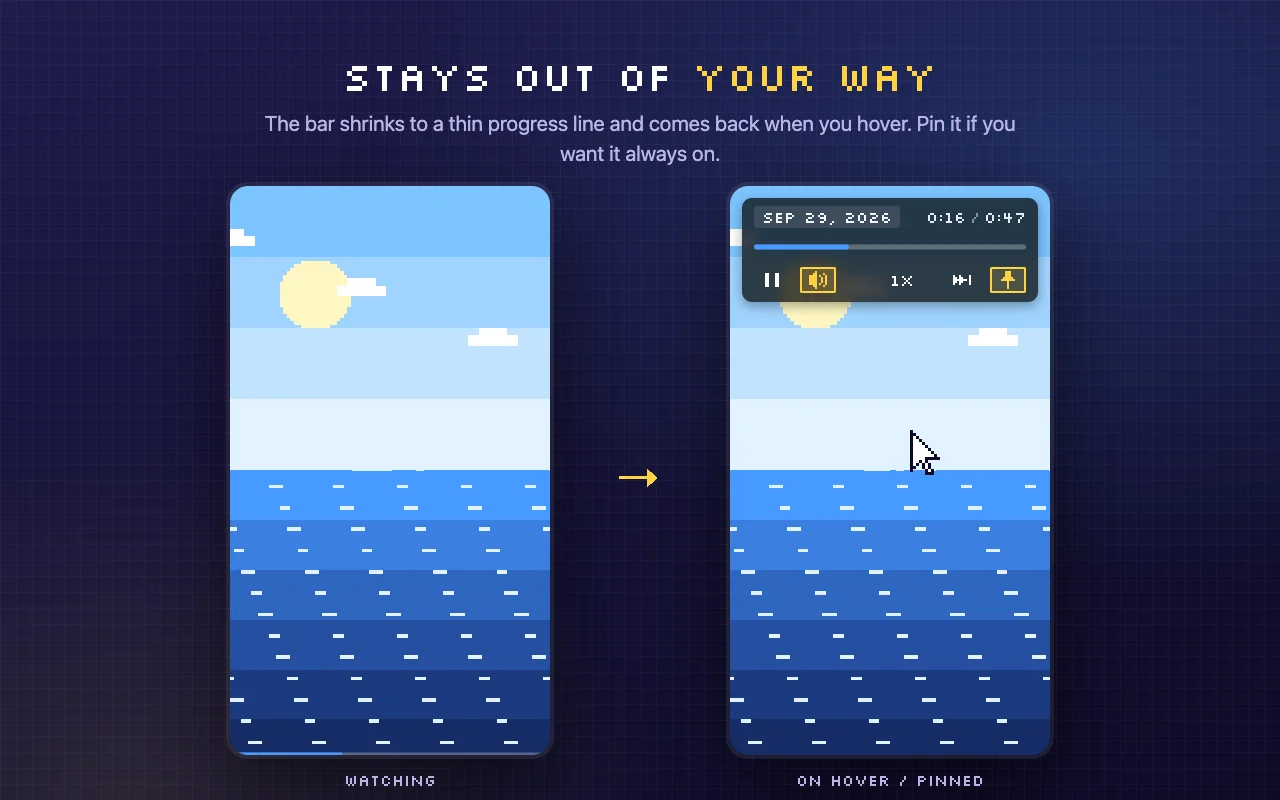
Stays out of your way
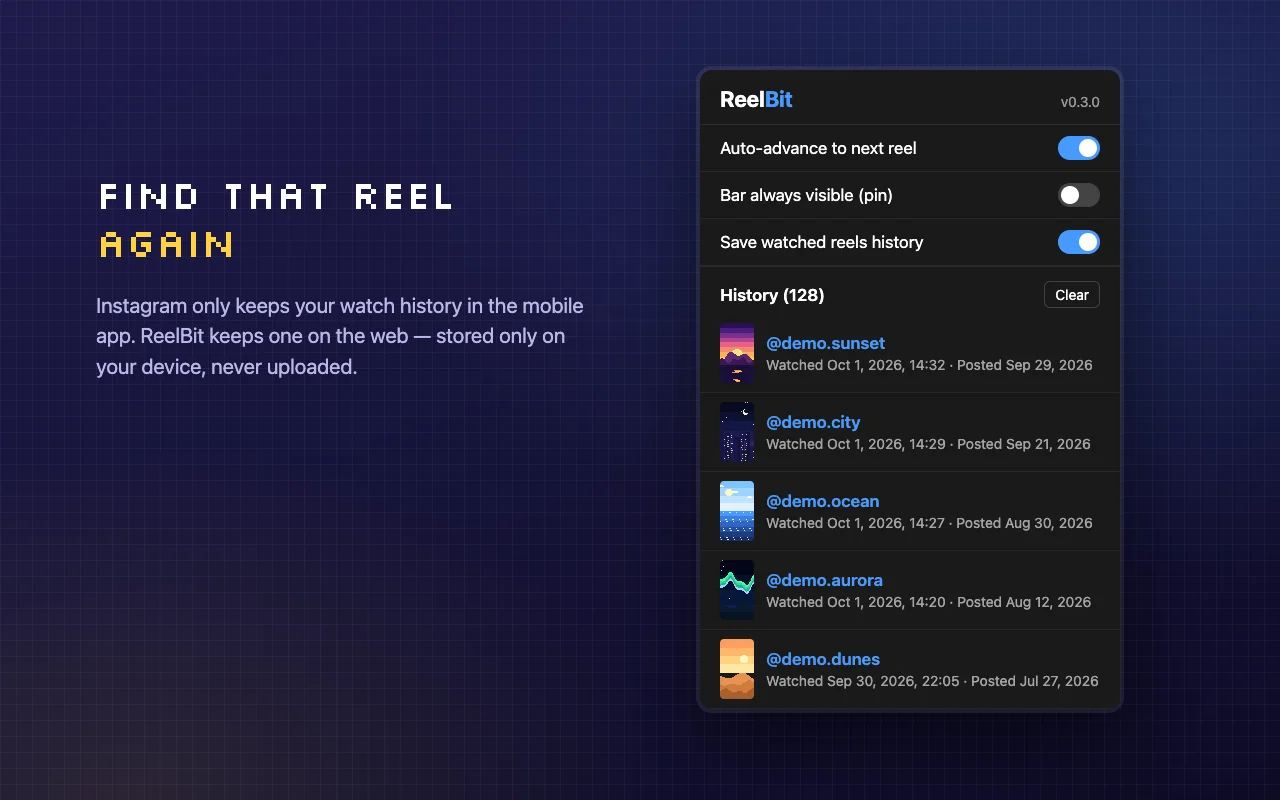
The bar shrinks to a thin progress line and comes back on hover. Pin it if you want it always visible.
Auto-advance
Optionally jump to the next Reel as soon as the current one ends.
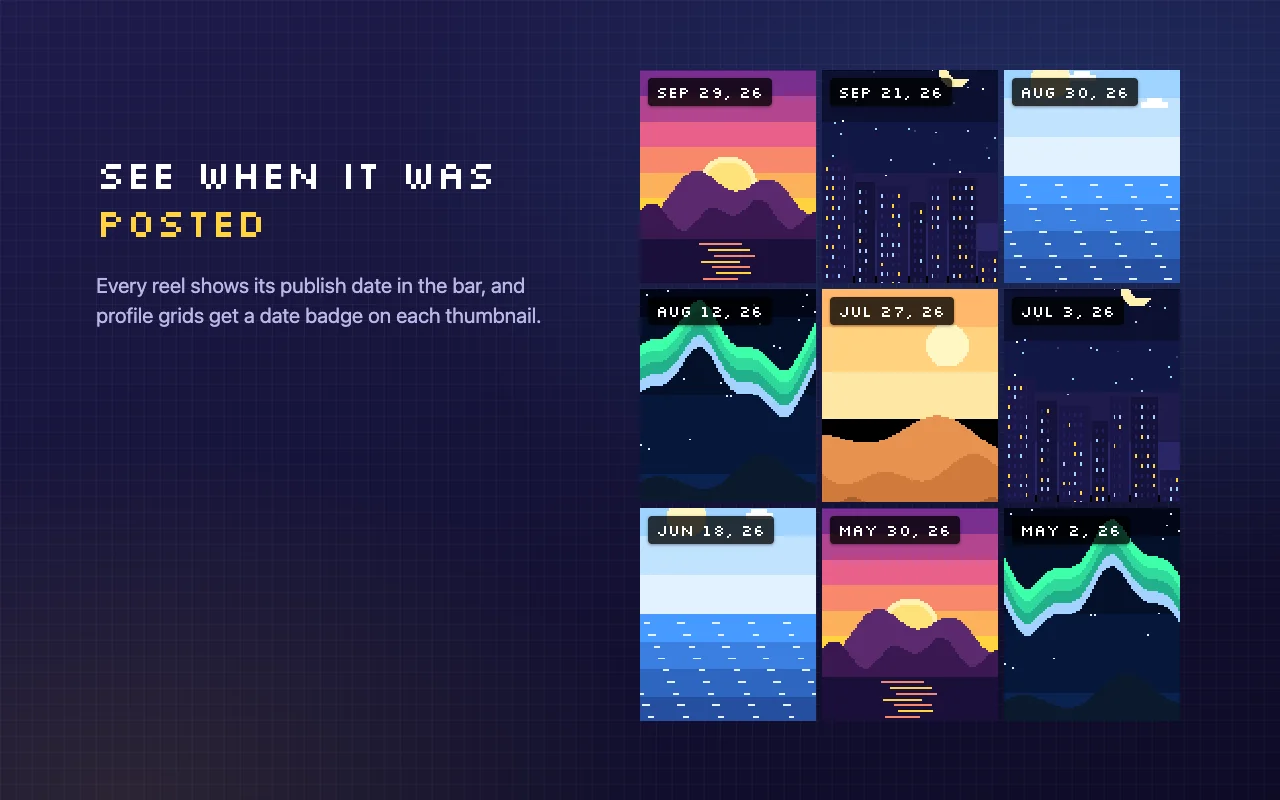
Post dates
See when each Reel was published, on the control bar and on profile grid thumbnails.
Local watch history
Find that Reel again. Your history is stored only on your device and never uploaded.
Background playback
Opt-in: keep Reels playing when you switch to another tab.
Keyboard shortcuts
- Space
- Play / pause
- ←→
- Seek 5 seconds
- Shift←→
- Seek 10 seconds
- <>
- Slower / faster
- M
- Mute / unmute (in sync with Instagram)
Screenshots
Private by design
ReelBit collects no data. There is no analytics, no telemetry and no server. Your settings and watch history stay on your device.
Read the privacy policy →